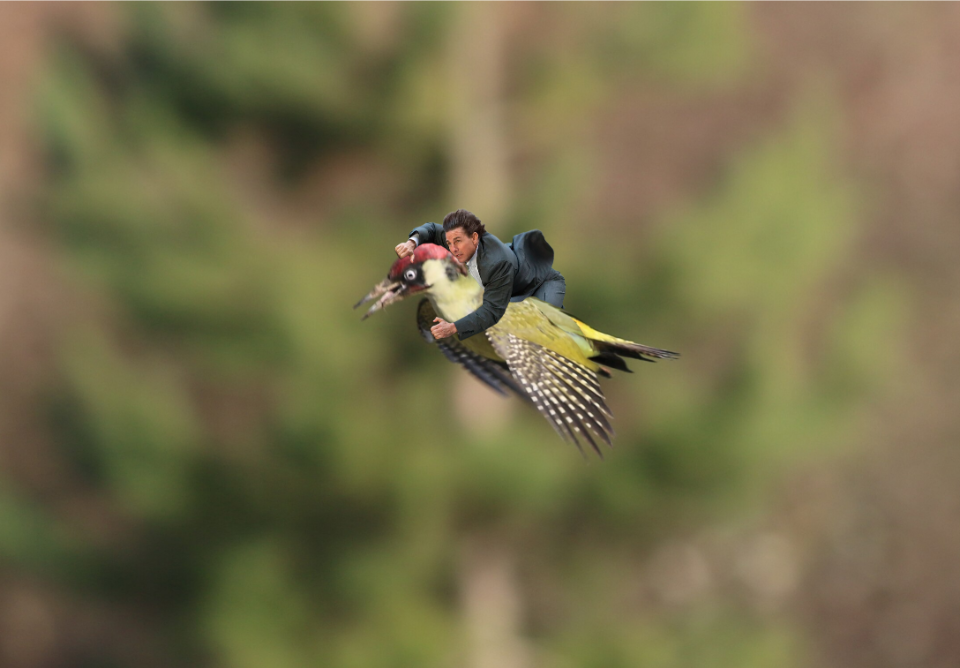
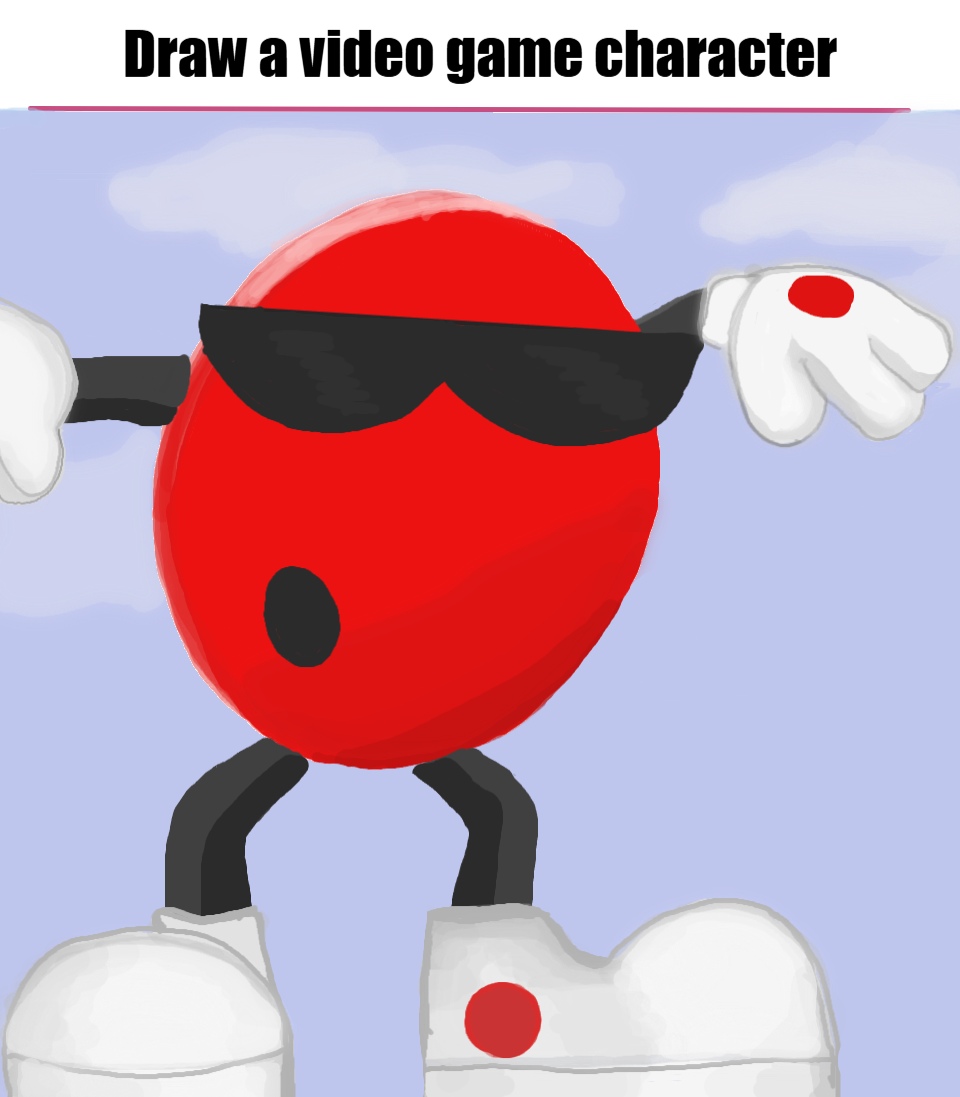
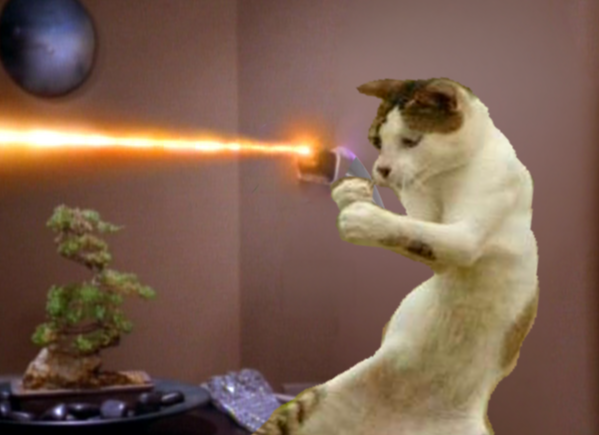
Thought I would give an explanation of the remix editor. Use the reset button under zoom to reset the canvas size if you zoom in or out (this shouldn't erase anything). You can save what you're working on at any time by downloading it. You can also add this image to the canvas again with the image uploader. Use the layers to move objects that are cut out. There is a reverse bucket now that's pretty cool. It allows you to erase pixels, but be sure the correct layer is selected. Some of the tools are still buggy at the moment but being improved. Hide the side panel with the ">". I believe this is in the process of being updated.


 Dashboard
 Explore